Record the bug. Talk it out. Get a ready-made ticket.
Capture your screen and describe the bug out loud. A QA preset turns it into a structured ticket — repro steps, expected vs. actual, severity — and pushes it to the tracker.
Start freeHow the flow works
Record & narrate
Capture the screen with a voice-over describing what broke and how you got there.
Transcribe
TalkBase transcribes the narration with speaker and timestamp context.
Structure with a QA preset
A custom analysis profile extracts repro steps, expected/actual, severity, and component.
Create the task
The structured bug is pushed to Jira or ClickUp automatically — no retyping.
See the workflow in action
Features at work
A look inside TalkBase
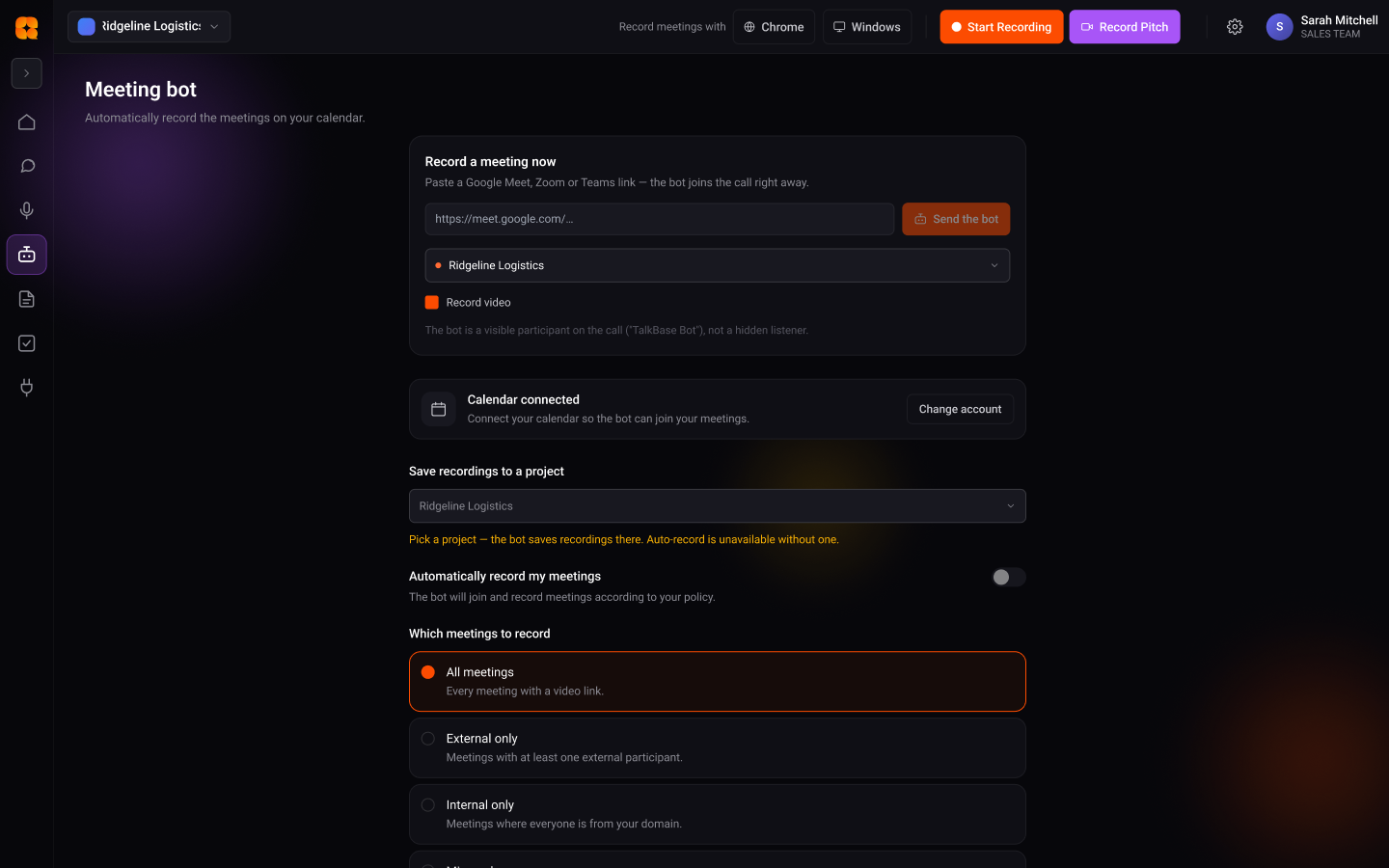
No download, no setup — try it in your browser in seconds.
Start freeWhat is voice-to-bug-report?
Instead of typing out a bug ticket, you record your screen and describe what broke out loud. TalkBase transcribes the narration and a QA preset structures it into a proper ticket — repro steps, expected vs. actual, severity — then pushes it to your tracker.
Reproduce the bug once, out loud
You capture the screen and talk through the steps that triggered the bug. Capture is botless and the audio isn't stored — the narration is transcribed in the cloud with timestamps, so the repro path is anchored to what you actually did on screen. No retyping, no half-remembered steps.
From narration to a structured ticket
A custom analysis profile pulls repro steps, expected and actual behaviour, severity, and the affected component out of the transcript. The result is a clean ticket created directly in Jira, ClickUp, or your tracker of choice — with the recording attached for context, so the engineer sees exactly what you saw.
Voice bug report FAQ
Which trackers can the ticket land in?
TalkBase pushes to Jira, ClickUp, Trello, Worksection, and similar tools through its task-manager integrations.
Can I control what fields the ticket includes?
Yes — a custom analysis profile defines the structure, so you decide which fields (repro, severity, component, and so on) get extracted.
Does the engineer get to see the original recording?
The recording and transcript stay attached to the ticket, so the person fixing it can watch the exact repro rather than re-deriving it.
What if I describe several bugs in one recording?
The QA preset can split the narration into separate structured tickets, each with its own repro steps and severity.
What teams say
Illustrative — replace with real testimonialsWe stopped re-litigating decisions. The answer is always one question away, with the quote.
It turned our meetings from lost time into the most useful record we have.
From conversation to result — starting free
Standard is $10/mo for unlimited recording. See the full plans and start free.
See pricingTurn your next conversation into this result
Start free. Record, understand, and ship — no manual write-ups.
Start free