Every meeting, backed up to Drive — automatically.
Recordings, video, and transcripts are saved to your Google Drive folders the moment they're ready.
Start freeHow the flow works
Connect Drive
Link your Google Drive and pick the target folders.
Capture artifacts
Recordings, transcripts, and summaries are produced as usual.
Auto-export
Everything lands in the right Drive folder automatically.
See the workflow in action
Features at work
A look inside TalkBase
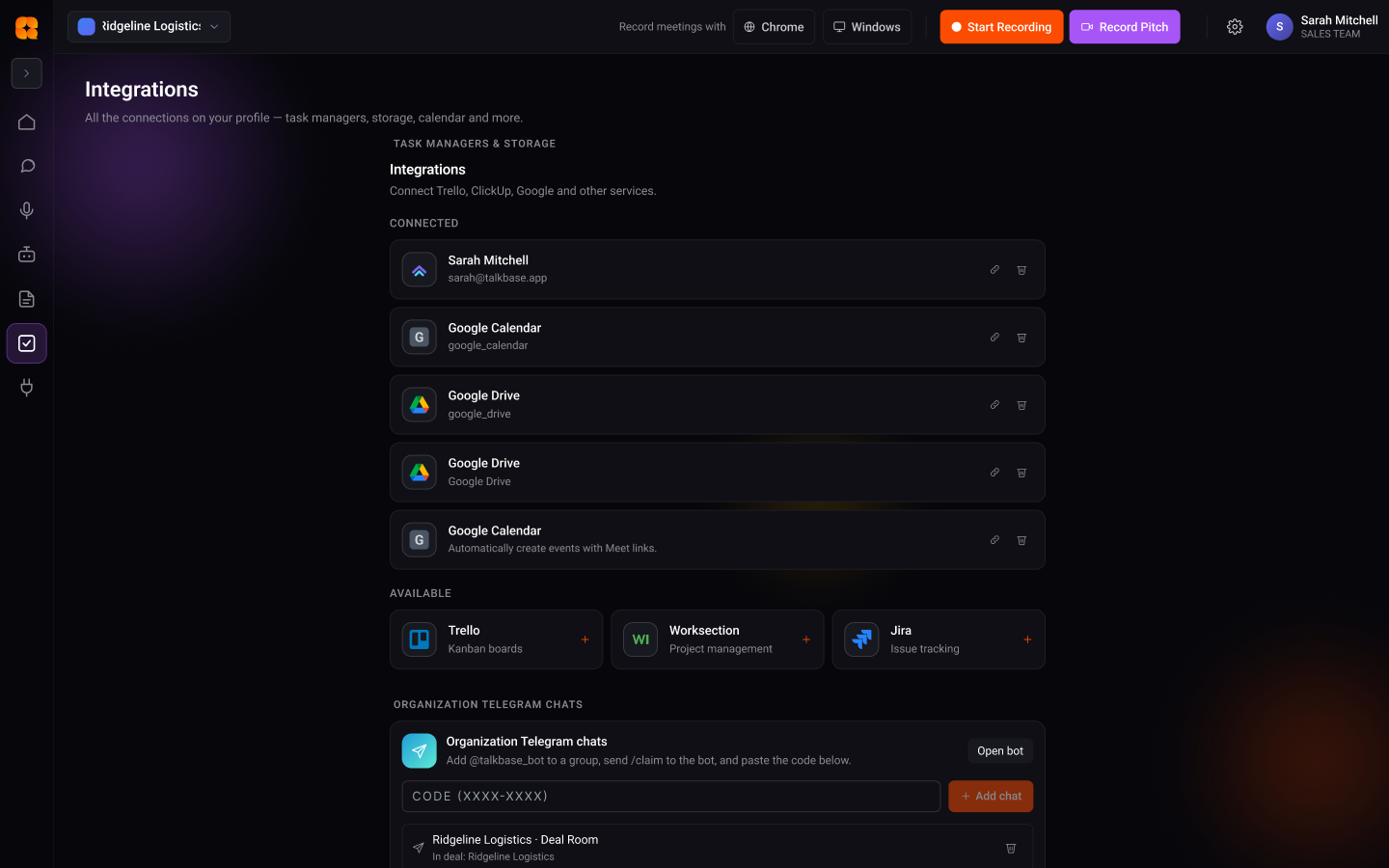
No download, no setup — try it in your browser in seconds.
Start freeBest for
Google Drive backup FAQ
What gets backed up to Drive?
Recordings, video, and transcripts are saved to your chosen Google Drive folders as soon as they're ready.
Do I have to export anything manually?
No — once Drive is connected and folders are picked, every meeting's artifacts export automatically.
Can I choose which folder things land in?
Yes — you select the target folders when you connect your Google Drive.
What teams say
Illustrative — replace with real testimonialsWe stopped re-litigating decisions. The answer is always one question away, with the quote.
It turned our meetings from lost time into the most useful record we have.
From conversation to result — starting free
Standard is $10/mo for unlimited recording. See the full plans and start free.
See pricingTurn your next conversation into this result
Start free. Record, understand, and ship — no manual write-ups.
Start free