Every recording arrives knowing who, what, and why.
Ingest Google Calendar events and bind their context to meetings, so each recording is linked to the right project and participants from the start.
Start freeHow the flow works
Connect Calendar
Link Google Calendar to TalkBase.
Ingest events
Events flow in with attendees, titles, and timing.
Bind context
Each meeting's recording is linked to its calendar context automatically.
See the workflow in action
Features at work
A look inside TalkBase
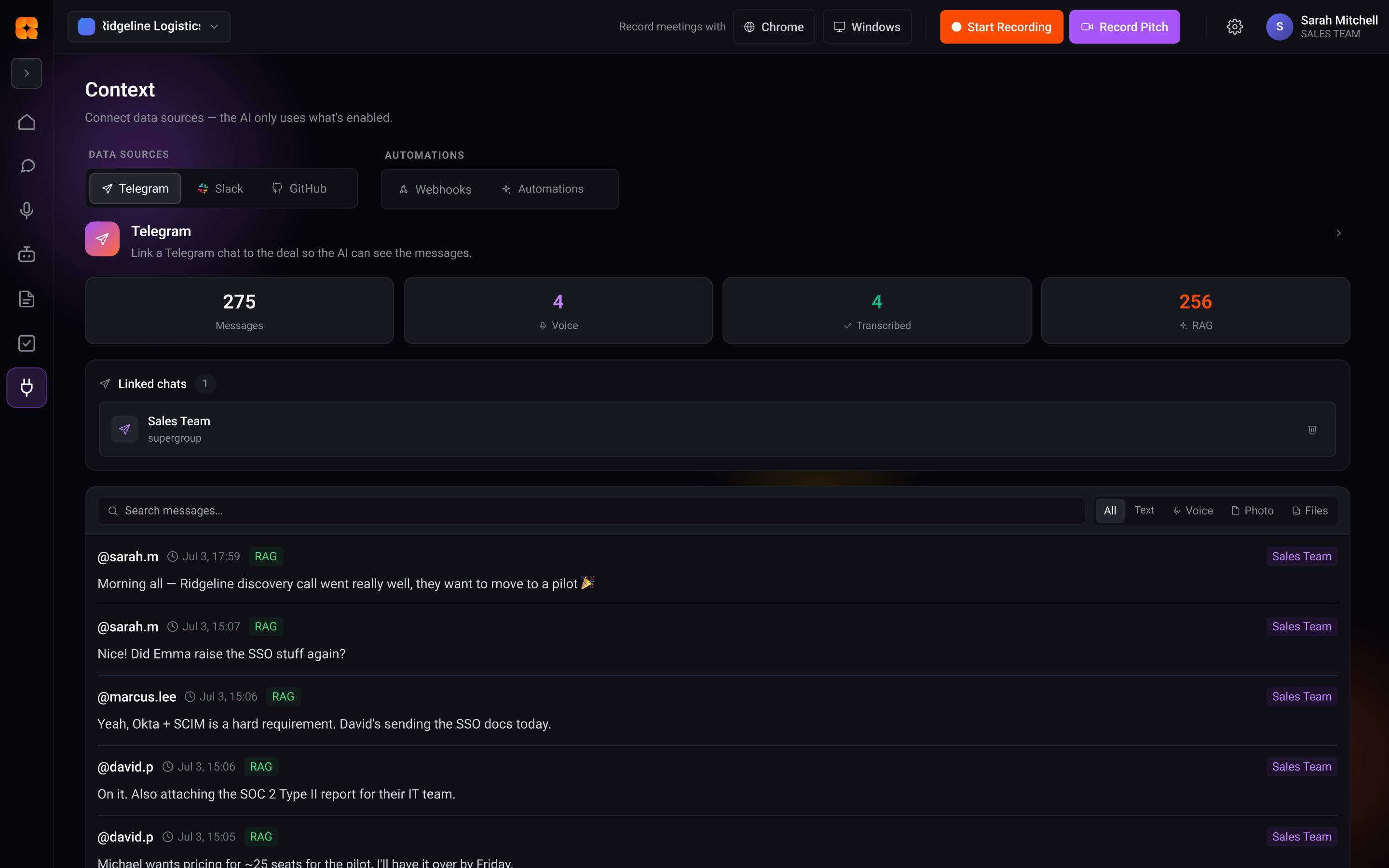
No download, no setup — try it in your browser in seconds.
Start freeCalendar context FAQ
What does calendar context add to a recording?
Google Calendar events supply attendees, title, and timing, so each recording arrives linked to who, what, and why.
Does binding happen automatically?
Yes — once Calendar is connected, each meeting's recording is matched to its event context on its own.
Which calendar is supported?
Google Calendar — events are ingested with their attendees and details.
What teams say
Illustrative — replace with real testimonialsWe stopped re-litigating decisions. The answer is always one question away, with the quote.
It turned our meetings from lost time into the most useful record we have.
From conversation to result — starting free
Standard is $10/mo for unlimited recording. See the full plans and start free.
See pricingTurn your next conversation into this result
Start free. Record, understand, and ship — no manual write-ups.
Start free